
Sharpen
Model Overview
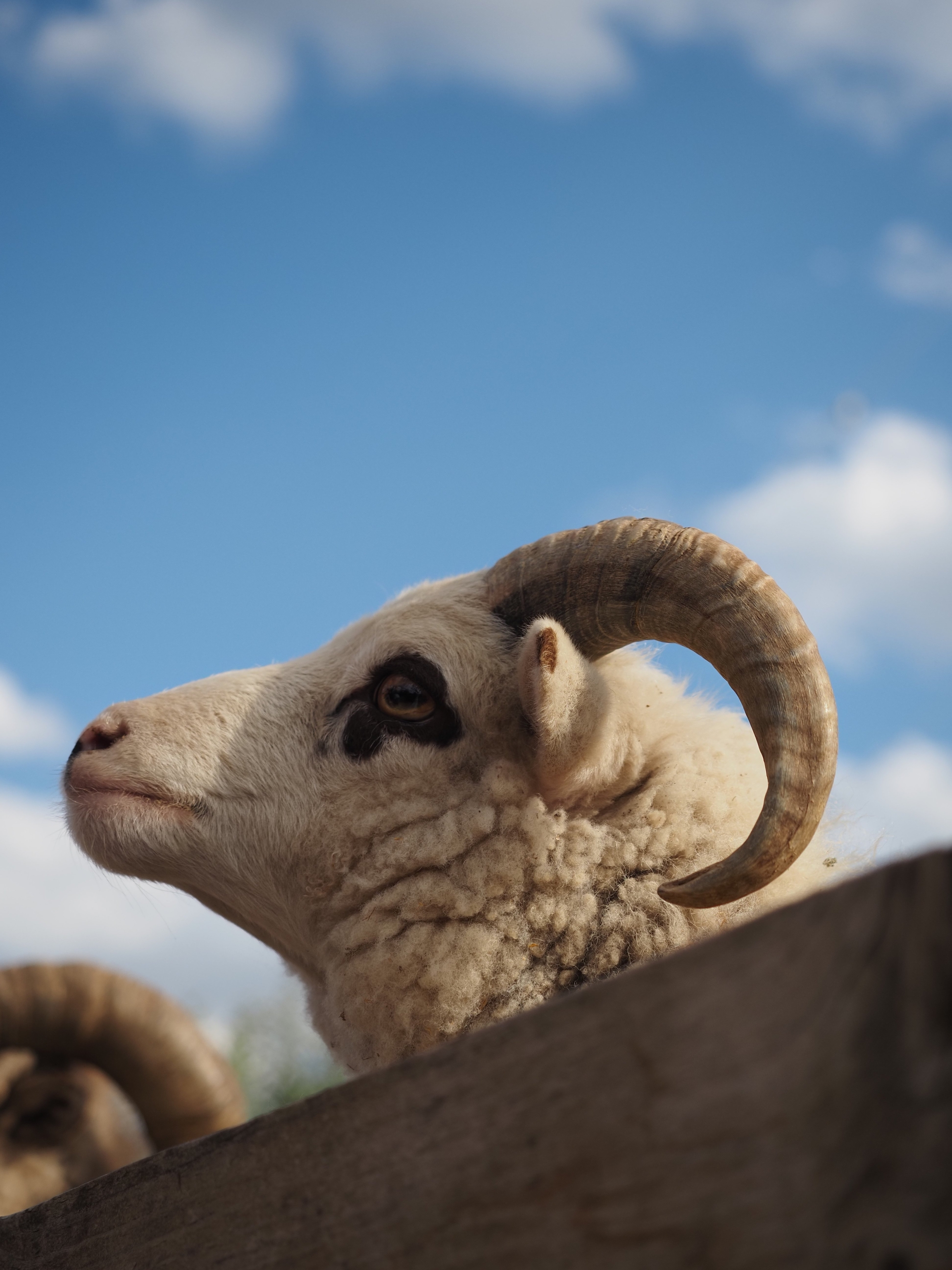
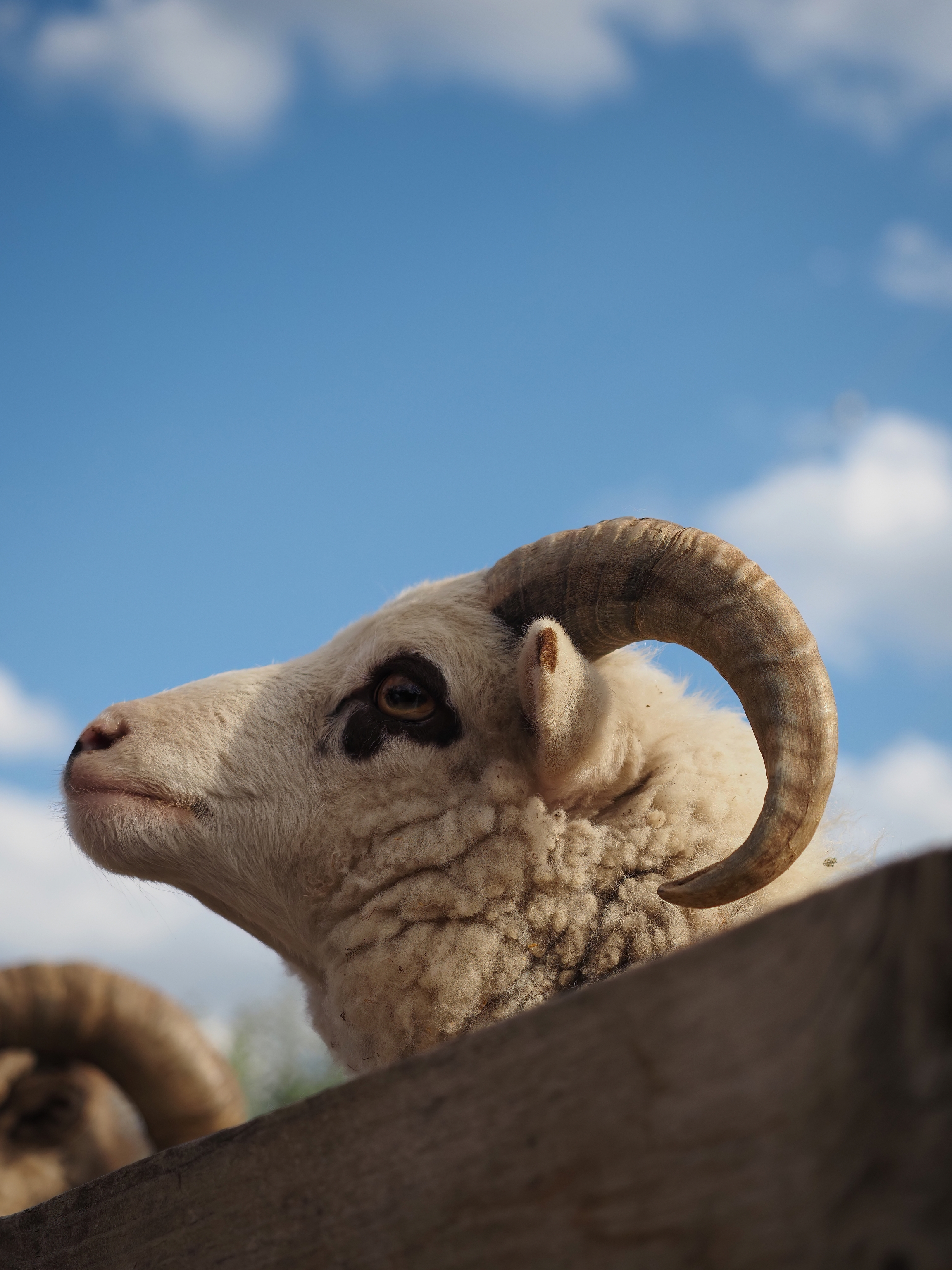
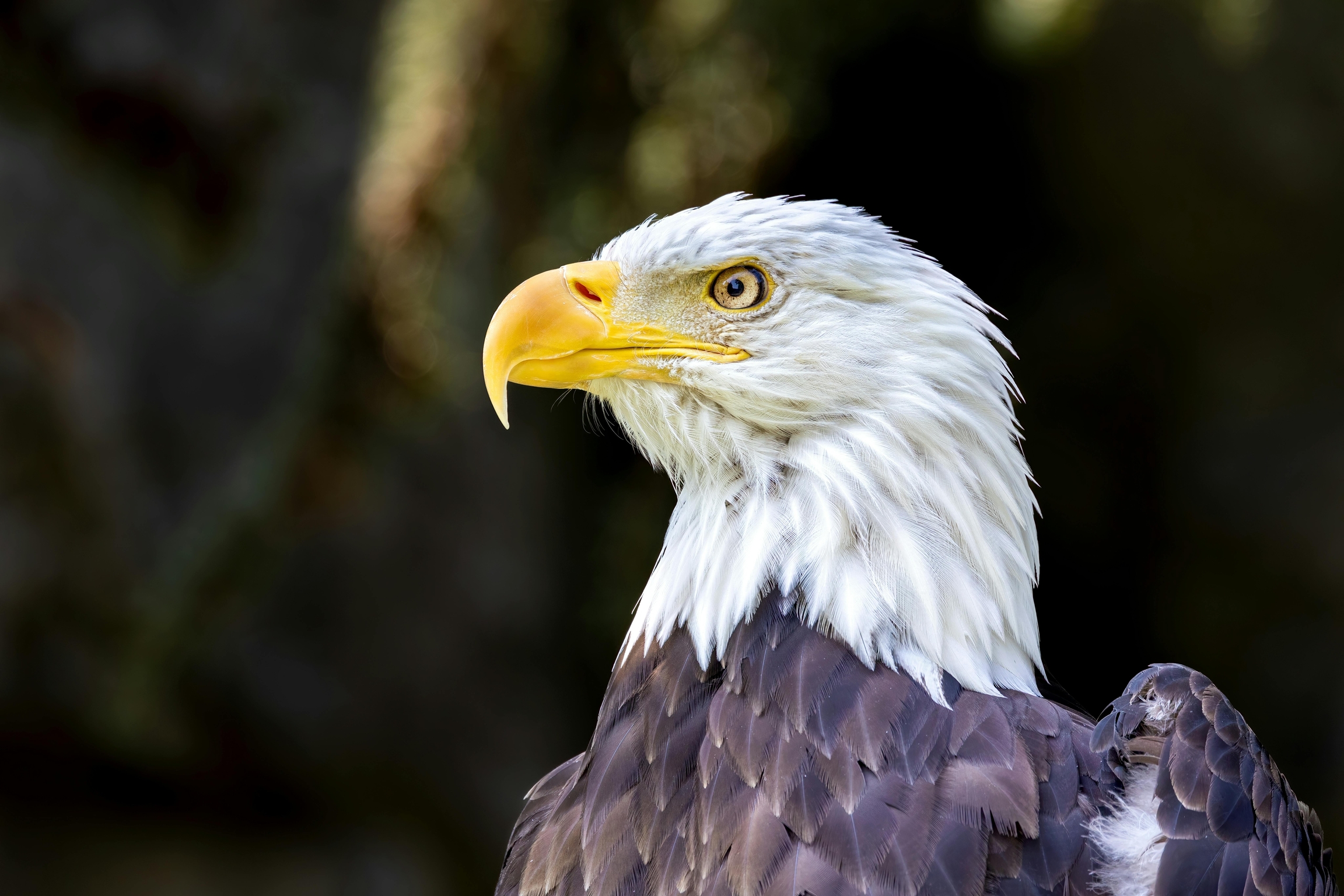
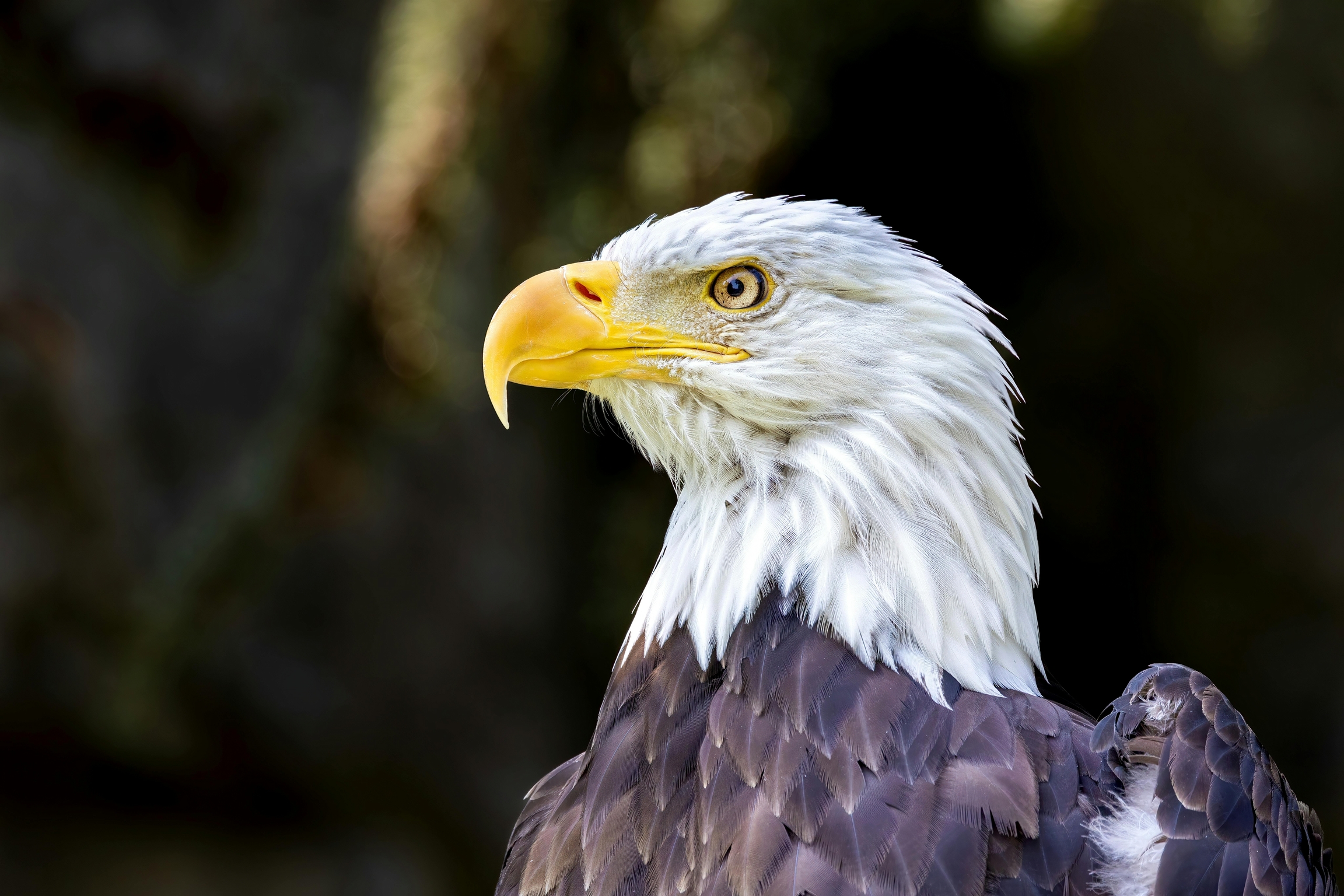
Our Wildlife Sharpen and Portrait Sharpen are precision sharpening models optimized for high-resolution organic textures. Whether applied to nature photography or human portraits, they intelligently enhances fine details, from fur and feathers to skin and hair, while correcting minor blur. This versatile tool delivers crisp, professional clarity for your most complex subjects.
Using advanced image analysis, our Auto Sharpen model analyzes the image using AI for technical quality and content of an image. It distinguishes between true detail and noise, then applies highly accurate sharpening based on the content and the technical quality of the image. The result is a crisp, natural-looking image that preserves fine detail, avoids artifacts, and naturally sharpens the image regardless of subject or lighting conditions. Works best on production-grade media and high resolution images.
Samples


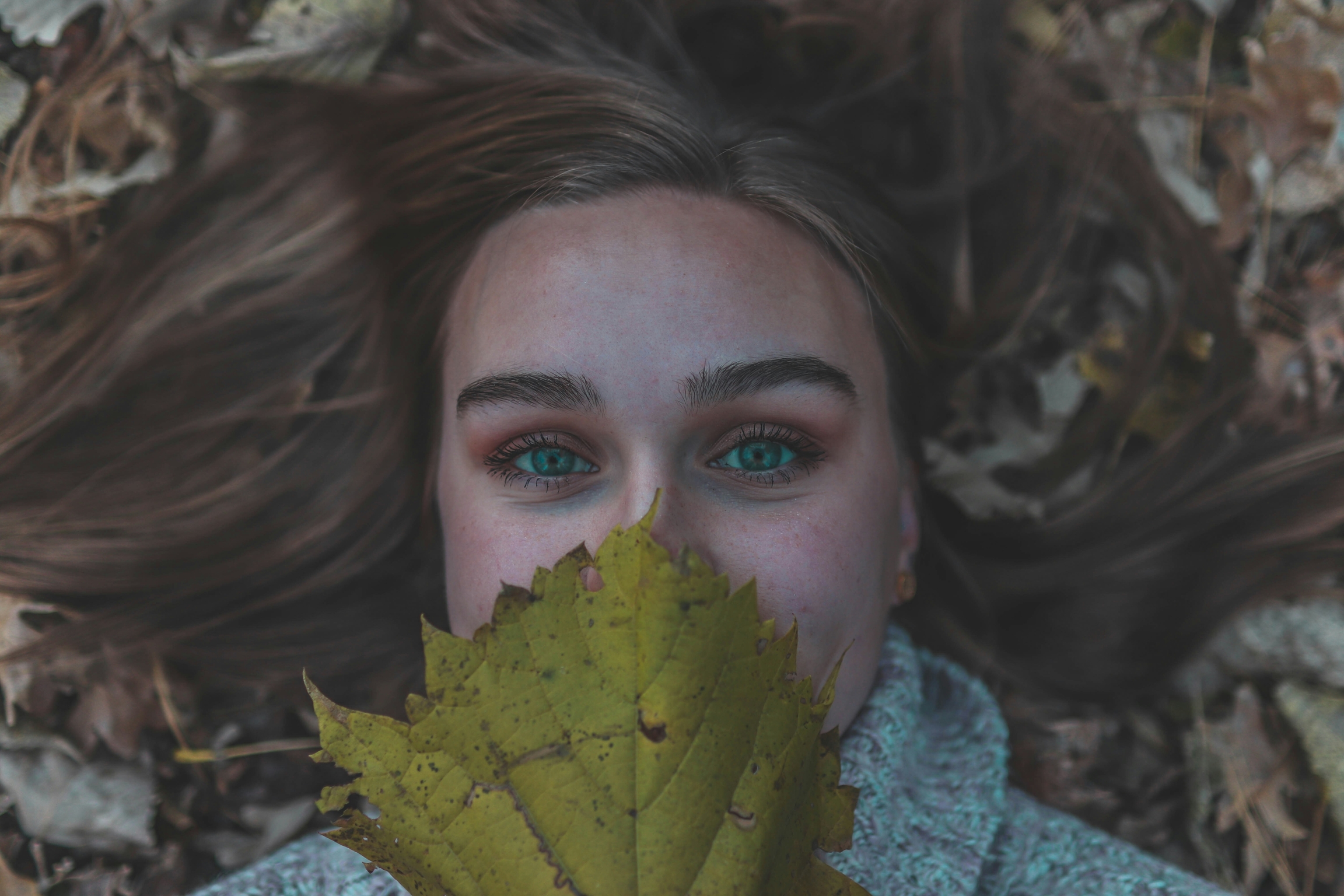
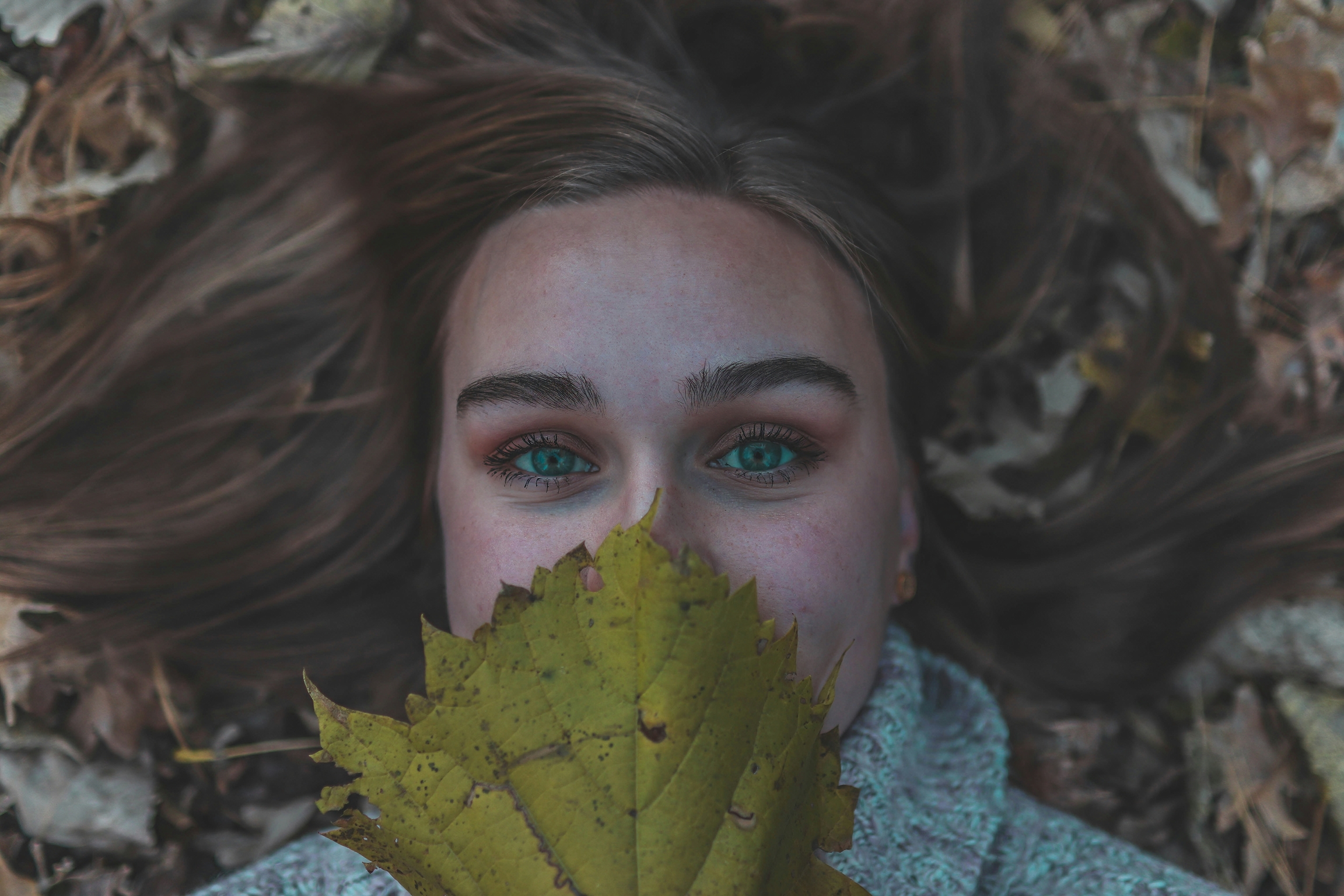

Model Endpoint
https://api.topazlabs.com/image/v1/sharpen-gen/async
Model:
Wildlife,Portrait, orAuto Sharpen
Parameters
sharpen_strength: # optional, float,0.0<= x <=1.0, default =nullControls the sharpening strength of the sharpening model. If the user does not specify, it will automatically calculate the optimal settings for sharpening based on the technical quality of the input
denoise_strength: # optional, float,0.0<= x <=1.0, default =nullControls the denoising strength of the sharpening model. If the user does not specify, it will automatically calculate the optimal settings for sharpening based on the technical quality of the input
opacity: # optional, float,0.0<= x <=1.0, default =nullControls the application strength of the sharpening model. If the user does not specify, it will automatically calculate the optimal settings for sharpening based on the technical quality of the input.
API Request Samples
Last updated